✓
Shoot from above
A top-down photo in natural light gives the AI the clearest view of every item on the plate and the most accurate portion estimate.
Six short videos
Six short videos covering everything Calzo does — from your very first scan to cooking dinner out of what is already in your fridge. Under five minutes end to end.
Create your account, tell Calzo your goal and a few details about yourself, and it builds daily calorie and macro targets that fit you.
Setup takes about a minute, and your targets stay adjustable whenever your goal changes.
Tap the + button, point the camera at your plate, and Calzo recognises the dishes, estimates the portion weights and logs calories, protein, carbs and fat for you.
Everything lands in your day automatically, with the photo attached, so you can look back at exactly what you ate.
Want to adjust something? Tap Fix Result and describe it in your own words — “the chicken is 150g and there is a spoon of olive oil”.
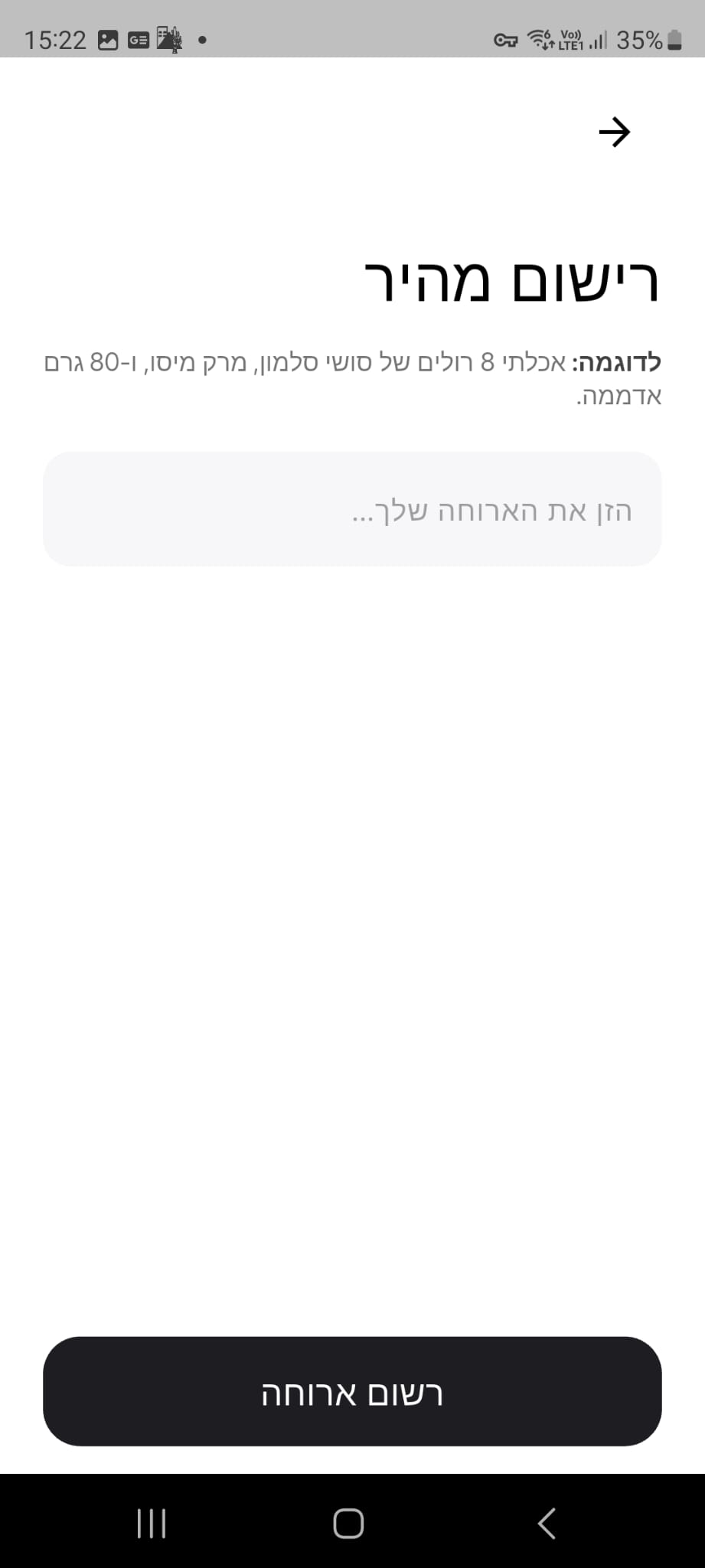
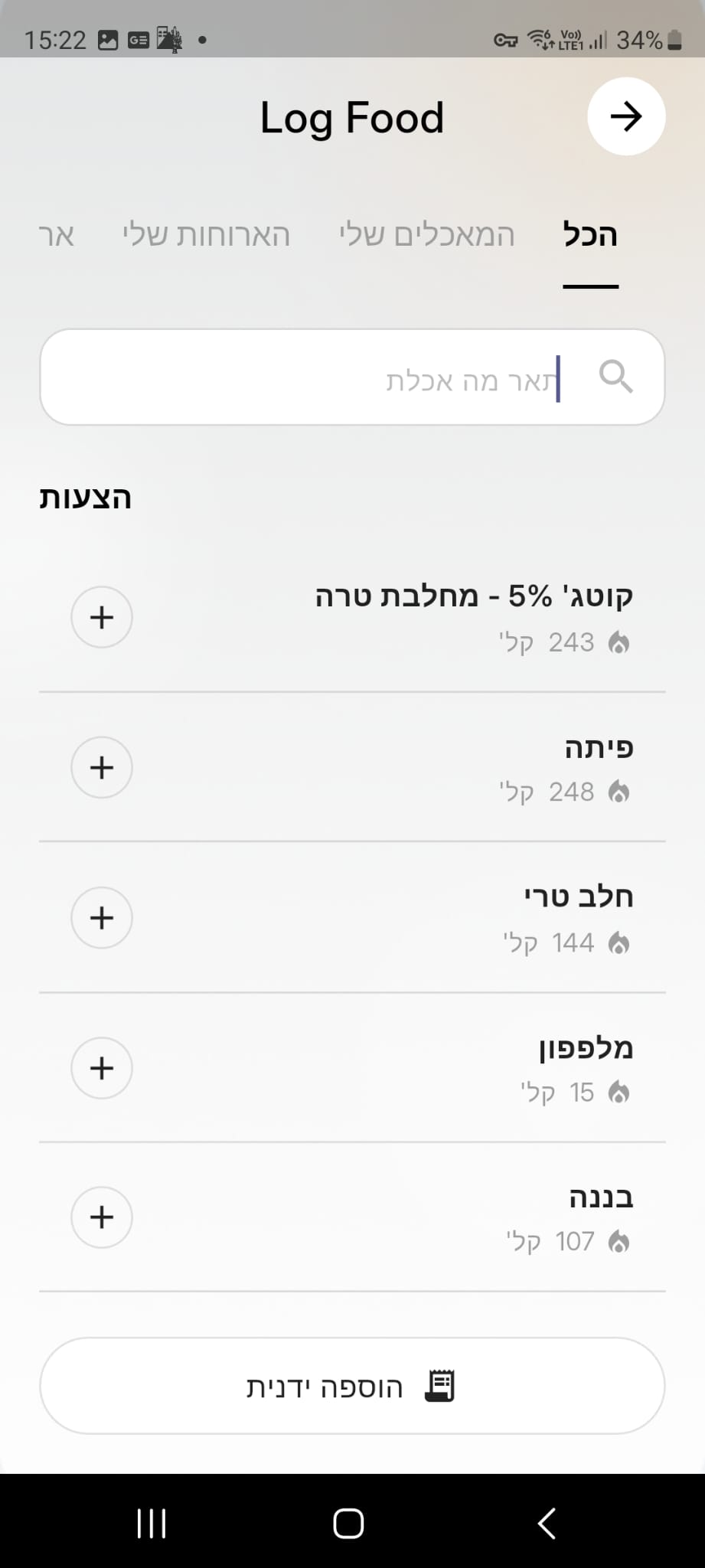


Sometimes the plate is already cleared. Open Quick Log, type what you had in plain language, and Calzo turns the sentence into a full entry.
Prefer to choose from a list? Search the food database, select as many items as you need and adjust the macros before you save.
“I ate 2 eggs, 1 banana, and 150g ground beef.”
Photograph your receipt on the way home and Calzo reads every line, matches the products to real ingredients and fills your virtual fridge.
From that moment on, the recipes you are offered are built around the food you already own.
Open the Recipe tab, choose what is in your fridge, and Calzo writes recipes around those exact ingredients, with full nutrition for every serving.
Ask for something specific — high protein, quick, family-friendly — and the suggestions follow. Save the ones you love for next time.
Adding a single ingredient is quick too: use the + button at the top of the Recipe tab to scan or log one item.
Premium opens unlimited scanning, the complete recipe library and deeper tracking across your whole week.
This short video walks through everything a subscription includes.
Good to know
A top-down photo in natural light gives the AI the clearest view of every item on the plate and the most accurate portion estimate.
For anything in a wrapper, the nutrition label or barcode delivers exact manufacturer values in a single scan.
Build a custom food or meal once and your whole breakfast becomes a single tap, every morning after that.
Turn any meal into a designed card and send it to a friend, your coach, or straight to your feed.