01
Quick Log
New
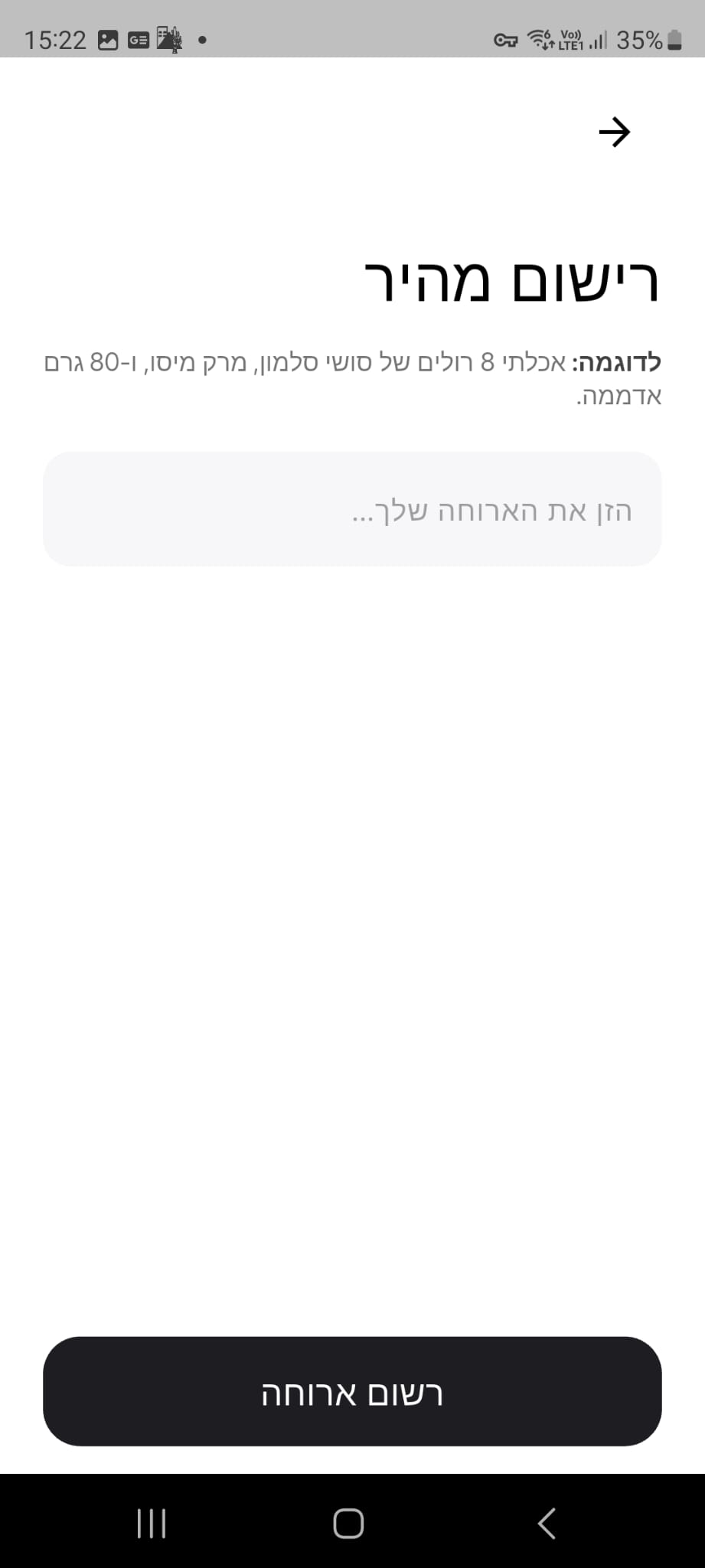
Type what you ate the way you'd tell a friend, and Calzo builds a complete entry from it — calories, protein, carbs and fat, portion by portion.
It is the quickest way to capture a snack on the go, a meal you have already finished, or anything you would rather not photograph. A fresh example appears each time you open it, so you always know the kind of description that works best.
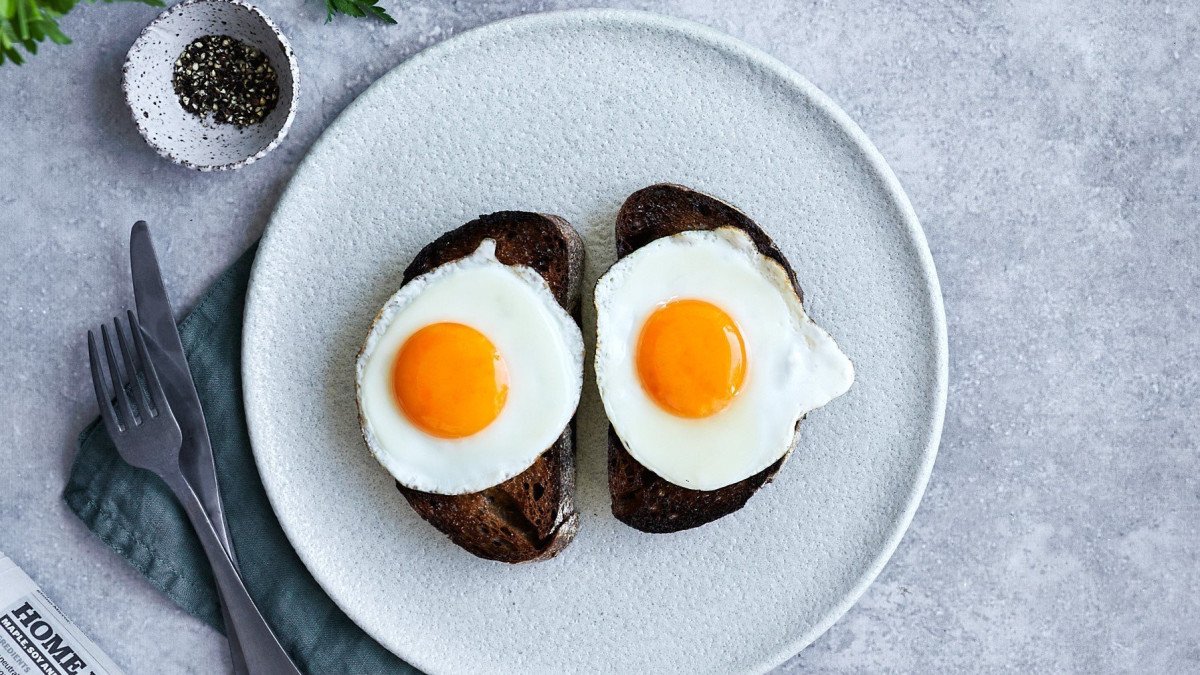
“I ate 2 eggs, 1 banana, and 150g ground beef.”
02
Fix Result
New
Every scan is a conversation. Add a detail, adjust a weight or mention an ingredient the camera could not see, and Calzo rebuilds the whole analysis around what you said.
Your photo stays exactly as it is — no second shot, no starting over — and the updated calories and macros appear on the same screen within seconds.
“The chicken breast is 150g, not 100g, and please add a tablespoon of olive oil.”
03
Share your meal as an image
New
Any logged meal can become a designed card: your photo and your numbers together, ready for Instagram, Messages, your gallery or any app on your phone.
The layout is yours to arrange, so a plate you are proud of is ready to post the moment you log it.
- Drag the info card with one finger to place it exactly where you want
- Pinch with two fingers to zoom and rotate
- One tap returns everything to the original layout
04
Custom foods & custom meals
New
Build a personal library of the food you actually eat. Save a single item with its brand, serving size and macros, or combine several items into a full meal with its own name and photo.
Your morning coffee, your usual protein shake, the salad you make every week — once saved, each one is a single tap away, every day after that.
05
Manual Add & food search
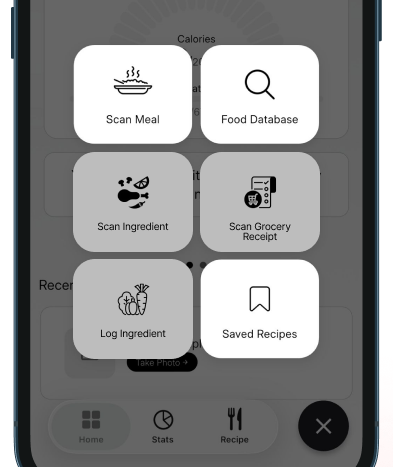
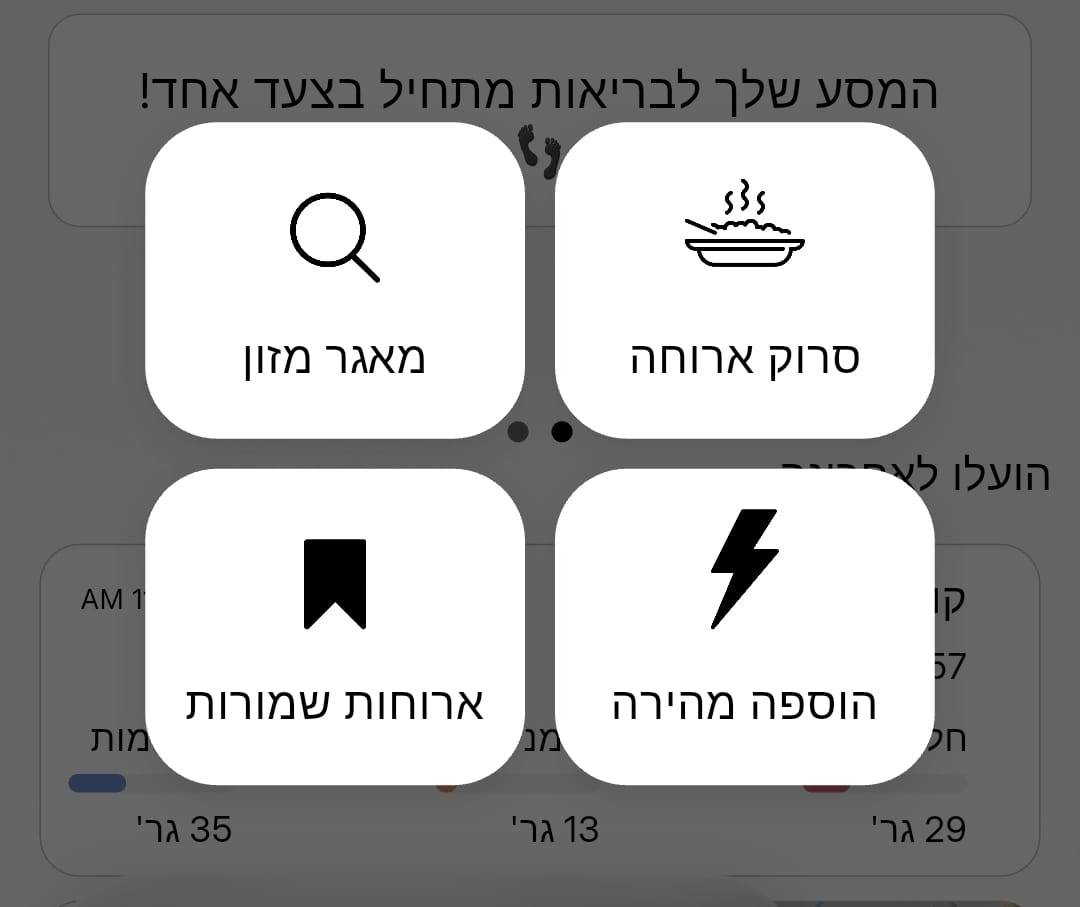
Search the food database, tick several items at once and watch the running total build as you go.
Fine-tune any macro before you save, give the entry a name of your own, and log it without ever opening the camera.
06
Nutrition label & package scanning
New
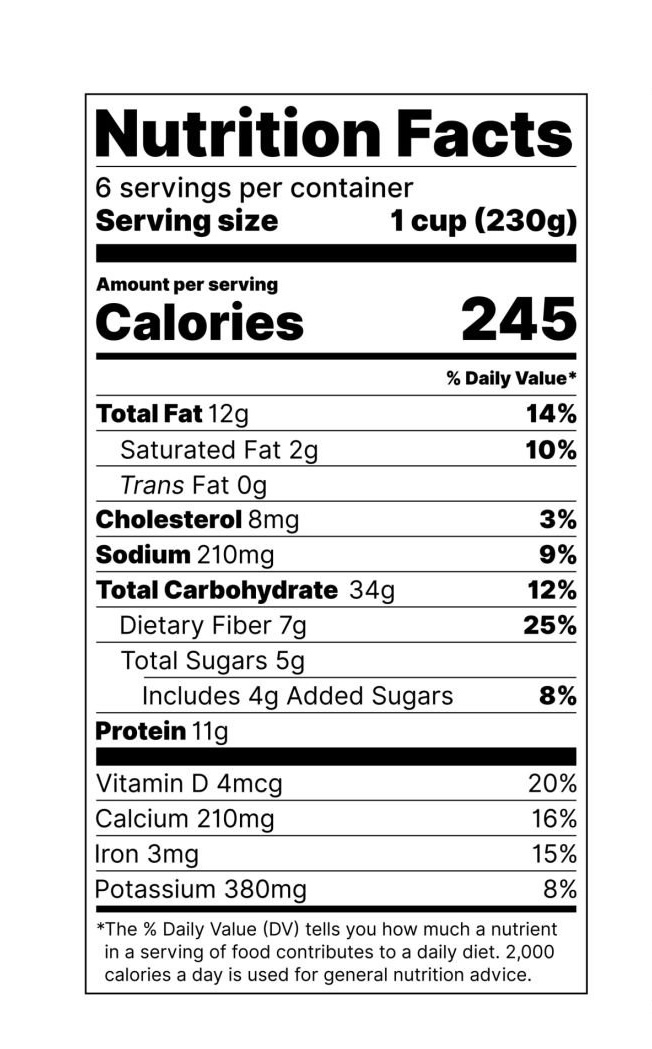
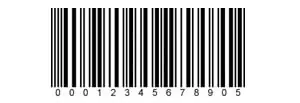
Hold the camera over a nutrition label or barcode and Calzo reads the values straight off the packaging — the exact numbers printed by the manufacturer.
Ideal for anything that comes in a wrapper: yoghurts, cereals, protein bars and every packaged product in your kitchen.